Over the past couple of months, I’ve been working hard developing the platform and thought it’d be a good idea to set up a blog. Because I have so many conversations with my customers regarding the latest changes each week, I’ve come to realise that keeping it all in one place would make a lot of sense!
I’ll be publishing articles (probably every month or two), updating you with the latest features available on your website and through the admin area. I’ll let you know the bugs/issues I am aware of and what’s planned for the next couple of months.
Below are the updates I have made. These updates were rolled out during the months of August and September 2020.
New Features
Here are some of the new features you’ll come across in the admin area. Please note that not all of you will have access to the admin area as it depends what plan you’re on. If you’d like access to it, please contact me!
Smart suggestions
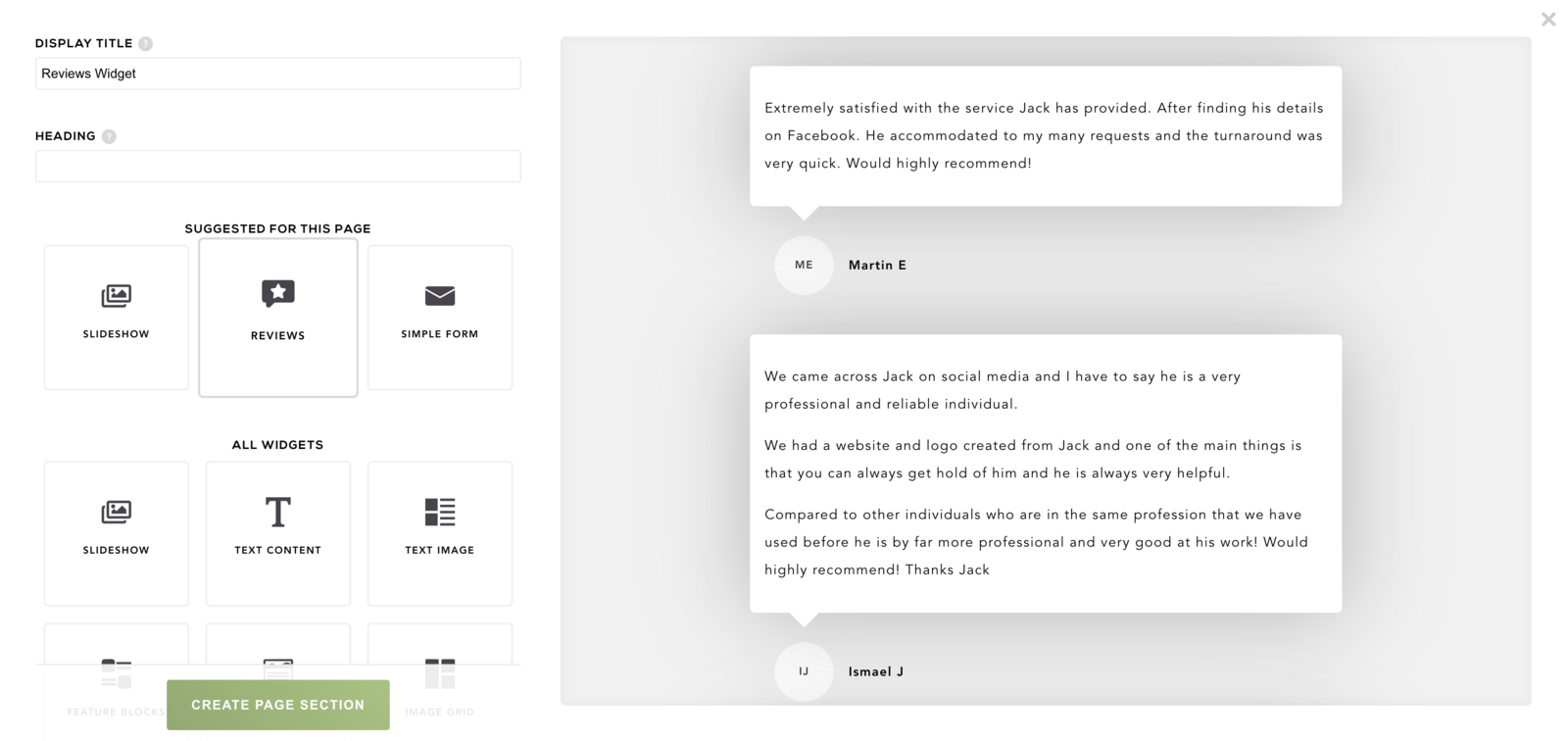
When creating a new page (e.g. Reviews), the platform will now suggest widgets that are most suitable for that page. Sometimes it can be difficult deciding what to put on each page, so hopefully this gives you a helping hand.
Recently created widgets
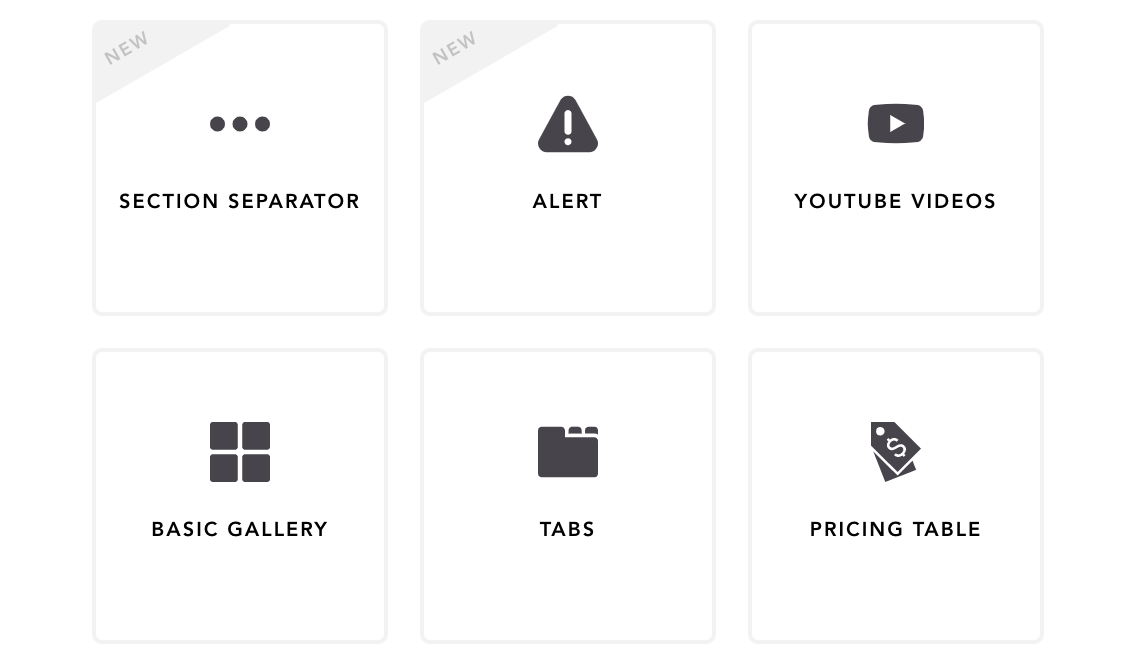
I’ve created a range of new widgets which can be used on any page on your website (see below for details). Once I have launched the new widget, you’ll see a label next to it saying “new”. This will be visible for 30 days.
Shop search
If you’re on our e-commerce plan, you’ll notice that you have a search icon in the top navigation of your website. Clicking this will activate a small pop up with a search box, allowing your customers to search for products on your website. I am going to create a widget soon which allows you to put a product search box on any page.
Add images to blog articles
This mini website is actually powered by the platform that you’re using, meaning that this blog article is the same as what is available to you. I have re-styled the blog listing page as it was a bit bland before. You can now also insert images into an article, which you’ll notice in this one. Simply click on the image icon and paste in an image url to show it.
I suggest uploading your images to a third party image hosting service called PostImage. You can then copy and paste that link into the dialogue that pops up.
New Widgets
Here are some exciting new additions available to you!
Youtube videos
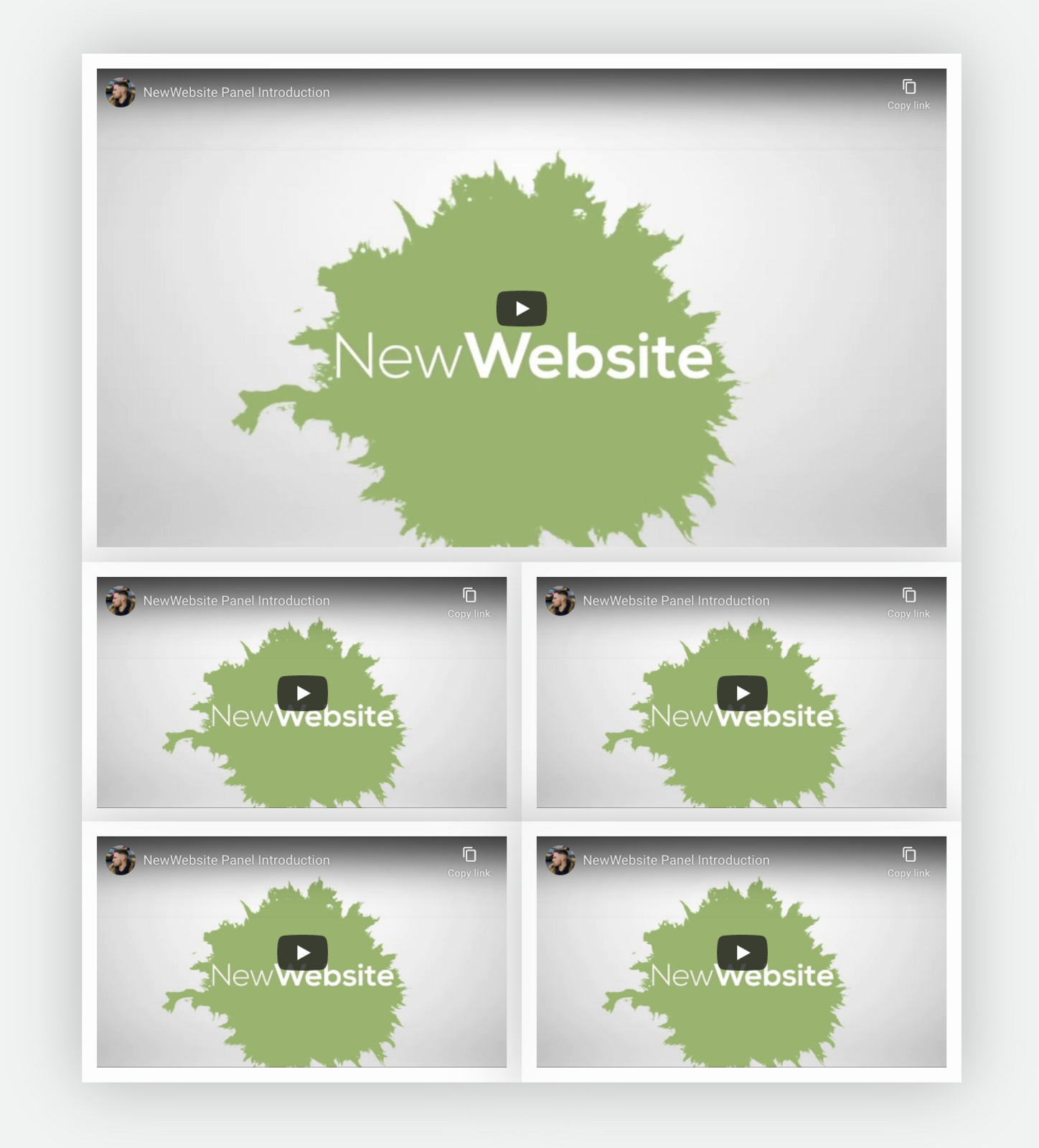
Who doesn’t love a YouTube video? Many of you will have promo videos and other videos you’d like to showcase on your site. For this reason, I have added the YouTube Videos widget. Simply copy and paste the Youtube link (e.g. https://www.youtube.com/watch?v=GJOAlNAnR_c) and it’ll show on the page. You can add multiple videos within one widget, which will give it a clear layout.
Reviews
Showcasing reviews is so important. Each customer I speak to (including you!), I show off my reviews to gain trust. I have now created a dedicated “reviews” widget which allows you to input reviews in a really nice format. Previously, we used the “Text Content” widget which was a bit basic - the new one is much better! If you’d like me to update your reviews page, simply let me know and I’ll do that for you!
Soon, I would like to integrate Google and Trustpilot reviews. I’ve been looking into the possible solutions. For the meantime, I would suggest copying/pasting the best reviews from your third party profiles and putting them in the reviews widget. You can even add a Simple Form to the bottom of the review page so people can email you their reviews.
Shop Collection
If you’re on our E-commerce plan, you can now add a shop collection to any page on your website. Previously, the Shop/Collection page was the only place where you could see products. Why not showcase your best sellers on the home page?
Alert
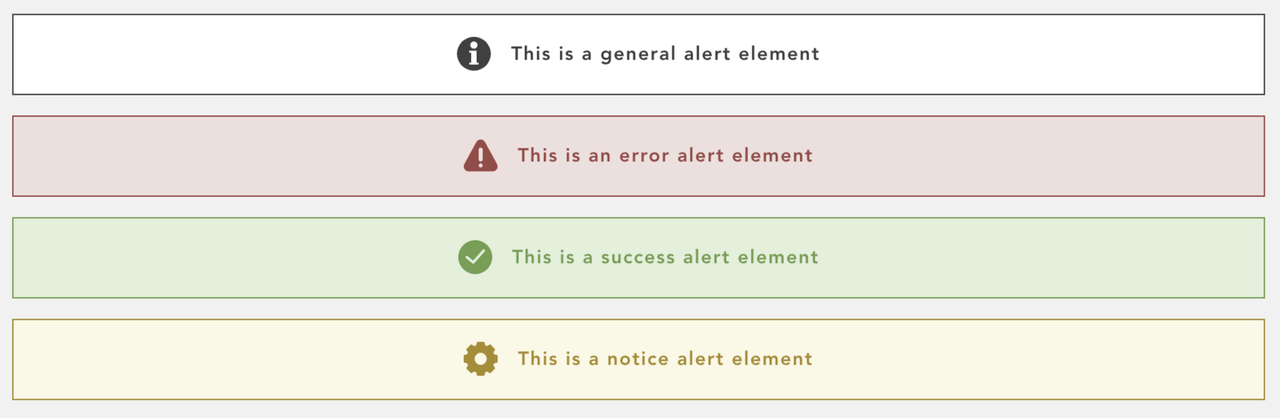
If you’ve got an important announcement (e.g. a coronavirus notice), you can use the new Alert widget and style it as best suited.
Section separators
One of my personal favourites is the new Section separators widget. I think it just adds a bit more to the design of the page. This widget is a shape (e.g. a curve, or some clouds) that sits between a page section. You can also flip the shape horizontally or vertically.

Improvements
As well as the latest additions, I’ve been fixing various bugs and improving the usability of certain features.
Dropdown for actions to replace icons
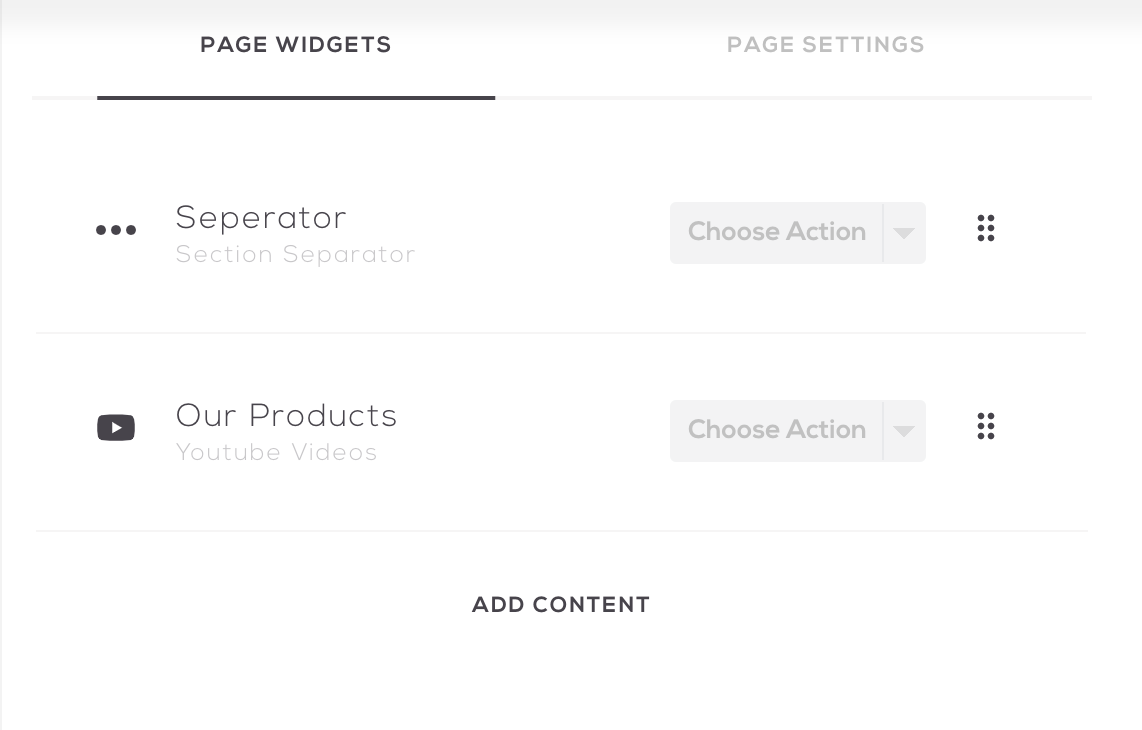
You’ll notice that where we used to have the duplicate and delete icons besides pages and content, we now have a dropdown. I feel like this is bit more obvious to new customers as having icons all over the place could have been overwhelming.
Page style change
When editing a page, you’ll see that we now have 2 tabs at the top. The first tab will allow you to manage the content on a page and the second tab allows you to configure a range of settings for that page.
Form submission Updates
Many of you are using the Simple Form widget to capture leads. The leads coming through to your email were in a single line which made it incredibly difficult to read - but don’t worry, that’s been fixed and each detail from the submission is on a new line.
Known issues
Blog article time is incorrect
When creating a new article, please set the time to 1 hour behind. The time on the server is not using the daylight saving time which mean when you use the set to now button on the article page, it will set it to the right time but the server won’t publish the article until 1 hour after.
I can fix this issue, but seeing as the daylight saving goes forward on 25th October, I don’t think it’s a major issue.
Any Suggestions?
If you've come across a bug or have any suggestions on what you'd like to see on your website or within the admin area, please let me know!
Jack McLaughlin

